PC Won't Boot Past BIOS? 8 Hardware Checks (Windows 11)
PC BIOS/POST screen pe atka, Windows tak nahi pahunchta? 8 hardware checks — RAM reseat, boot order, CMOS reset — step-by-step.
PC Won't Boot Past BIOS? 8 Hardware Checks (Windows 11)
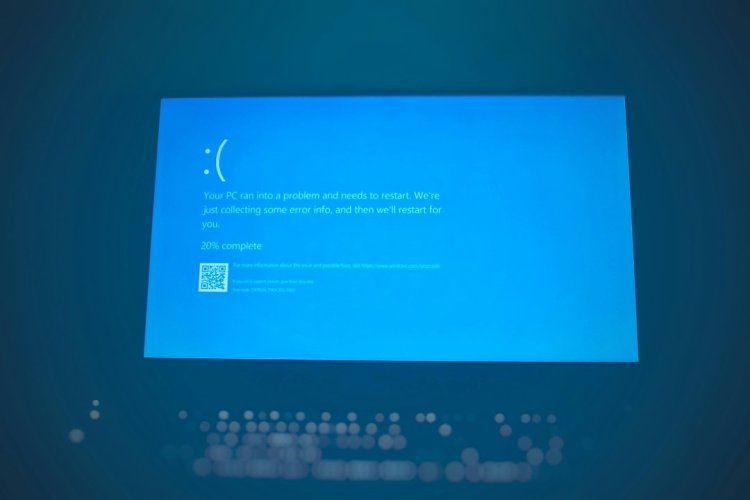
PC on hota hai, logo dikhta hai, par BIOS se aage nahi badhta — Windows load hi nahi hota? Ye POST (Power-On Self Test) fail hai — hardware level issue. 8 checks order se.
Table of Contents
- POST Fail Samjho
- Check 1 — Power Drain
- Check 2 — RAM Reseat
- Check 3 — Single Stick Test
- Check 4 — Boot Order
- Check 5 — USB Devices Remove
- Check 6 — CMOS Reset
- Check 7 — GPU/iGPU Test
- Check 8 — Beep/Debug LED
- FAQ — 10 Questions
- Conclusion
POST Fail Samjho
BIOS/POST pe atka = hardware self-test fail — Windows tak pahuncha hi nahi. RAM (60%), boot order, USB device, ya CMOS settings — 4 main culprits.
Check 1 — Power Drain
- Unplug → power button 30 sec hold → residual charge nikalo
- Plug → boot — static/residual issues clear
Check 2 — RAM Reseat
- Sticks nikalo → eraser se golden contacts clean
- Wapas firmly — click sunna chahiye
- Boot — 60% cases fix
Check 3 — Single Stick Test
Ek-ek stick slot A1 mein → boot → dead stick pata chal jayegi.
Check 4 — Boot Order
BIOS (F2/Del) → Boot tab → apna drive #1 pe set. Wrong order = Windows load nahi.
Check 5 — USB Devices Remove
Sab USB nikalo (pendrive, external HDD, even mouse sometimes) — POST block karte hain. Boot → phir wapas lagao.
Check 6 — CMOS Reset
Coin battery 30 sec nikalo ya CLR_CMOS jumper — BIOS defaults load, stuck settings clear.
Check 7 — GPU/iGPU Test
GPU nikalo → motherboard HDMI pe monitor — display aaye? GPU dead.
Check 8 — Beep/Debug LED
Beeps ya motherboard debug LED: DRAM lit = RAM, VGA = GPU, CPU = processor, BOOT = drive.
FAQ
Q1. BIOS screen bhi nahi aata?
RAM/PSU — power drain + reseat pehle.
Q2. Keyboard BIOS mein kaam nahi karta?
USB 2.0 port try — 3.0 kabhi driverless boot pe fail.
Q3. Boot order save nahi hota?
CMOS battery dead — ₹50 CR2032 replace.
Q4. Beeps aa rahe hain?
1 long 2-3 short = GPU, continuous = RAM — exact part.
Q5. New build boot nahi ho raha?
8-pin CPU power plug — #1 common miss.
Q6. Kabhi boot, kabhi nahi?
Loose RAM/cable ya dying PSU — reseat + single stick.
Q7. CMOS reset se data jayega?
Nahi — sirf BIOS settings, files safe.
Q8. Debug LED BOOT lit hai?
Drive detect issue — cable/connection ya dead drive.
Q9. Laptop pe same checks?
RAM accessible ho toh — warna power drain + service.
Q10. Sab kiya, still stuck?
Motherboard/CPU fail — service center ya warranty.
Conclusion
BIOS pe stuck = RAM reseat + boot order + USB remove — 80% yahi solve. Debug LED/beep se exact part pakdo — guesswork mat karo.
TAGS: pc wont boot past bios, stuck on bios screen, post fail, boot order fix, ram reseat, cmos reset, pc boot problem, techn trainer
What's Your Reaction?