PC Fan Running Loud? CPU Temperature & Load Check — Fix Guide
Loud PC fan? Your CPU is overheating or overloaded. Check what's spinning up your fan — Task Manager CPU usage, dust cleaning, thermal paste and cooling fixes.
Video Tutorial:
═══════════════════════════════════════════════════════════════
PC fan tez ghoom raha hai jaise jet engine? Fan loud = PC pushing hard to cool down. Find the cause in 2 minutes.
Step 1 — Check What's Using CPU
Ctrl + Shift + Esc → Task Manager → sort by CPU.
| CPU Usage | Meaning |
| 5-15% | Normal idle |
| 30-60% | Some app working hard |
| 90-100% | That's your loud fan culprit |
Common offenders: Chrome tabs, Windows Update, antivirus scan, cryptominer malware.
Step 2 — Physical Causes
- Dust — vents blocked = fan works harder. Clean with compressed air
- Thermal paste — 3-4 saal purani? Reapply
- Blocked vents — laptop bed/pillow pe mat rakho, hard surface pe
- Fan failure — grinding noise = bearing kharab, replace
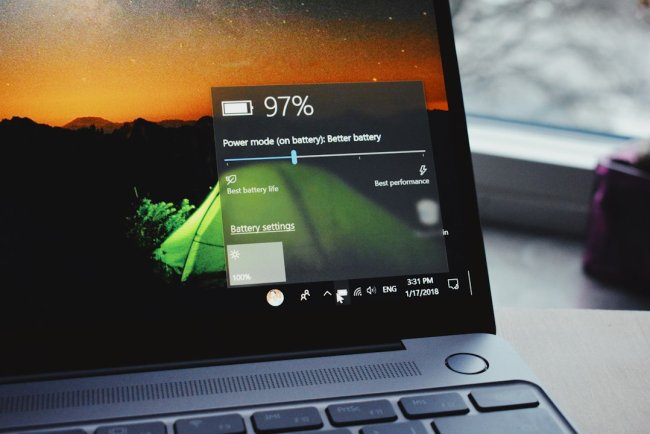
Step 3 — Power Settings
Control Panel → Power Options — Balanced mode. High Performance mode = fan always fast.
When to Worry
- Fan loud + PC hot to touch = immediate shutdown, check cooling
- Fan loud + 100°C temps = thermal throttling, PC slow bhi hoga
- Fan never stops even idle = check malware scan
Hindi Tips
- Laptop ki vents hamesha khuli rakho
- Har 6-12 mahine mein dust cleaning
- Fan noise + slow PC = Task Manager pehle check karo
[WATCH THE VIDEO] — Coming soon
CTA: More hardware fixes on TECHN TRAINER!
What's Your Reaction?