USB Ports Not Working — 8 Ways to Fix in Windows 11/10 (All Ports Dead)
USB port pe kuch bhi detect nahi ho raha? 8 ways to fix — USB controller reinstall, selective suspend off, power management — sabhi ports dead ke solutions.
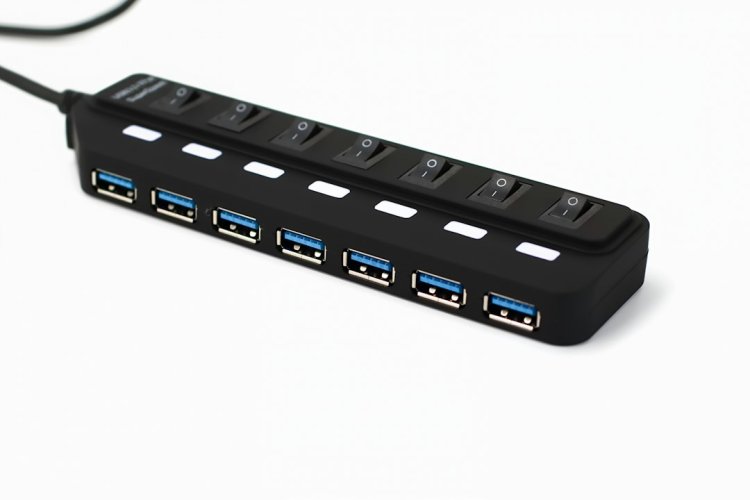
USB Ports Not Working — 8 Ways to Fix (Windows 11)
Mouse, keyboard, pendrive — kuch bhi kisi bhi port pe detect nahi ho raha? Ye power management ya USB controller driver issue hai — 8 fixes order se, sabse effective pehle.
Table of Contents
- Pehle Basic Test
- Fix 1 — Dusre Port/Device Test
- Fix 2 — USB Controller Reinstall
- Fix 3 — USB Selective Suspend Off
- Fix 4 — USB Root Hub Power Off
- Fix 5 — Services Check
- Fix 6 — Registry Check
- Fix 7 — BIOS USB Enable
- Fix 8 — Hardware/Front Ports
- FAQ
- Conclusion
Pehle Basic Test
- Doosra device try karo — device kharab toh nahi?
- Doosra port try karo — specific port dead hai?
- Dusre PC pe device try karo — device OK hai?
Fix 1 — Dusre Port/Device Test
Front ports dead, back kaam kar raha? → internal cable. Ek specific port dead → wo port physical damage. Sab dead → driver/software issue.
Fix 2 — USB Controller Reinstall (Sabse Effective)
- Win + X → Device Manager
- Universal Serial Bus controllers expand
- Sab entries right-click → Uninstall device
- Restart — Windows sab controllers reinstall karega
- 70% cases yahi solve
Fix 3 — USB Selective Suspend Off
Windows power saving ports band kar deta hai:
- Control Panel → Power Options → plan settings → Change advanced power settings
- USB settings → USB selective suspend → Disabled (battery + plugged dono)
Fix 4 — USB Root Hub Power Off
Device Manager → har USB Root Hub → Properties → Power Management → "Allow the computer to turn off this device" → uncheck. Har hub pe repeat.
Fix 5 — Services Check
services.msc mein:
- USB Mass Storage / USB related services → running hai?
- Start karo, Automatic set karo
Fix 6 — Registry Check
reg query "HKLM\SYSTEM\CurrentControlSet\Services\USBSTOR" /v Start
Value 3 honi chahiye — 4 hai matlab admin ne USB block kiya hai (Group Policy/registry).
Fix 7 — BIOS USB Enable
Restart → BIOS (F2/Del):
- USB Configuration → Enabled
- XHCI/EHCI → Enabled
- Legacy USB Support → Enabled
Fix 8 — Hardware / Front Ports
- Front ports dead, back kaam? → motherboard USB header cable loose — cabinet kholo, reconnect
- Sab ports dead → USB controller hardware fail — PCIe USB card (₹500-1000) add karo
- Laptop mein dead → service center
FAQ
Sirf ek port dead hai?
Physical damage — wo port avoid karo, doosre use.
Pendrive detect hota hai par files nahi dikhte?
Drive letter issue — Disk Management mein letter assign karo, ye port issue nahi.
USB 3.0 ports slow hain?
Driver issue — chipset drivers install karo.
USB-C port dead?
Thunderbolt/USB-C alag controller — manufacturer driver check.
Conclusion
USB ports dead = selective suspend (Fix 3) ya controller reinstall (Fix 2) — 85% yahi solve. Front vs back difference internal cable hai. Hardware fail ho toh PCIe USB card se life extend karo.
TAGS: usb ports not working, usb not detecting, usb ports dead, usb device not recognized, usb controller fix, selective suspend off, usb root hub, usb port repair, techn trainer
What's Your Reaction?