Second Monitor Not Detected — 10 Ways to Fix HDMI/DisplayPort (Windows 11)
Second monitor detect nahi ho raha? HDMI/DP cable connected par "no signal"? 10 ways to fix — Win+P, driver, cable check, detect manually.
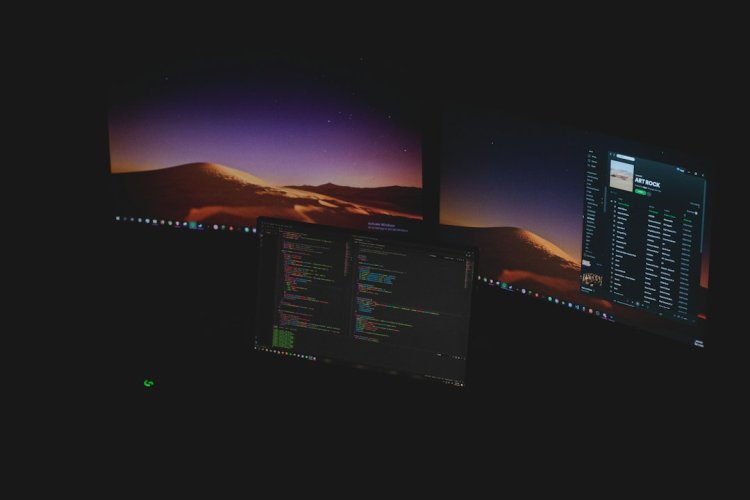
Second Monitor Not Detected — 10 Ways to Fix (Windows 11)
HDMI cable lagaya, monitor on hai — par PC detect hi nahi karta? Ya "No Signal" dikhta? 10 fixes — cable se driver tak.
Table of Contents
- Fix 1 — Win+P Project Mode
- Fix 2 — Detect Manually
- Fix 3 — Cable/Port Check
- Fix 4 — Monitor Input Source
- Fix 5 — Graphics Driver Update
- Fix 6 — Rollback Driver
- Fix 7 — Display Adapter Reinstall
- Fix 8 — Refresh Rate/Resolution
- Fix 9 — Hardware Test
- Fix 10 — Firmware/BIOS
- FAQ
- Conclusion
Fix 1 — Win+P Project Mode
Win + P dabao → Duplicate ya Extend select karo. "PC screen only" pe ho toh second monitor off rehta hai — sabse common cause.
Fix 2 — Detect Manually
Settings → System → Display → Multiple displays → Detect button. Windows kabhi auto-detect nahi karta — manual push.
Fix 3 — Cable/Port Check
- Cable dono ends tight?
- Doosra cable try — cable dead hota hai
- HDMI → DP ya VGA alternative try
- Monitor ke multiple ports mein switch
Fix 4 — Monitor Input Source
Monitor ka physical button → Input/Source → sahi select karo (HDMI1/HDMI2/DP). Wrong source = "No Signal".
Fix 5 — Graphics Driver Update
Device Manager → Display adapters → GPU → Update driver. NVIDIA/AMD/Intel — latest driver se detection improve hota hai.
Fix 6 — Rollback Driver
Update ke baad problem aayi? → Properties → Driver → Roll Back Driver.
Fix 7 — Display Adapter Reinstall
Device Manager → Display adapter → Uninstall device → restart. Windows generic driver install karega — monitor detect check.
Fix 8 — Refresh Rate/Resolution
Settings → Display → Advanced → Refresh rate — monitor ke supported rate pe set karo. Wrong rate = black screen.
Fix 9 — Hardware Test
- Monitor doosre PC/laptop pe → wo chale toh PC side issue
- Doosra monitor is PC pe → wo chale toh monitor issue
- TV HDMI pe test — easiest second display
Fix 10 — Firmware/BIOS
GPU firmware update ya BIOS update — rarely needed but old cards mein multi-display issues fix hota hai.
FAQ
Laptop HDMI out nahi chalta?
USB-C dock ya adapter — built-in HDMI kabhi-kabhi MUX switch pe depend.
Detect hota hai par blank?
Resolution/refresh rate — Fix 8.
Extend nahi, duplicate hi chalta?
Driver limitation ya cable — DP cable better for extend.
Kabhi detect, kabhi nahi?
Cable loose/damaged — replace karo.
Conclusion
Second monitor not detected = Win+P (Fix 1) ya cable (Fix 3) — 80% yahi. Driver update + detect manually (Fix 2,5) next. Hardware isolate karne ke liye monitor doosre PC pe test karo — direction clear ho jayega.
TAGS: second monitor not detected, hdmi not working, dual monitor setup, monitor no signal, display not detected windows 11, win+p, hdmi cable not working, extend display not working, techn trainer
What's Your Reaction?