Taskbar Frozen / Not Responding? Windows 11 Fix — 5 Working Solutions
Windows 11 taskbar freeze ya not responding? Explorer restart se le kar DISM tak — 5 proven fixes step-by-step. Taskbar kaam nahi kar raha toh ye padho.
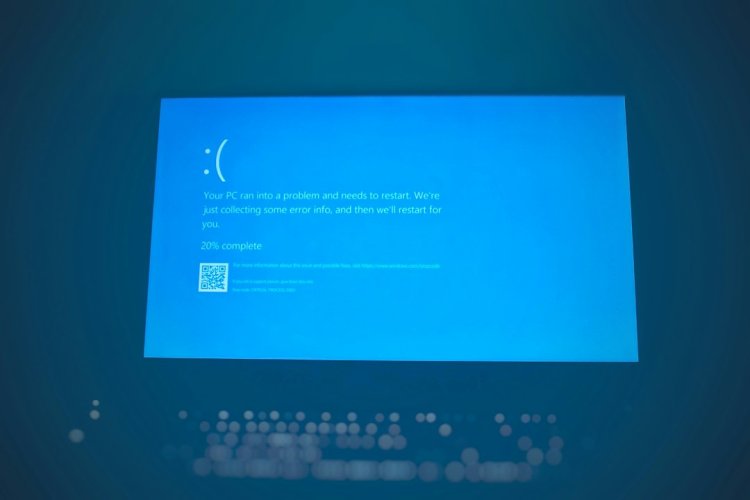
Taskbar Frozen / Not Responding? 5 Working Fixes (Windows 11)
Taskbar pe click karne pe kuch nahi hota? Start button, icons, clock — sab dead? Ye Windows 11 ka common bug hai — 5 fixes hain jo order se try karne hain.
Table of Contents
- Fix 1 — Explorer Restart (2 min)
- Fix 2 — Explorer Auto-Restart Registry
- Fix 3 — DISM + SFC Scan
- Fix 4 — IRIS Service Delete
- Fix 5 — New User Account
- FAQ
- Conclusion
Fix 1 — Explorer Restart (Sabse Pehle)
- Ctrl + Shift + Esc → Task Manager
- Windows Explorer dhundo → Right-click → Restart
- Taskbar blink hoga — 90% cases solve yahi
Fix 2 — Explorer Auto-Restart
CMD admin mein:
taskkill /f /im explorer.exe & start explorer.exe
Same kaam ek command mein.
Fix 3 — DISM + SFC Scan
Corrupt system files check:
DISM /Online /Cleanup-Image /RestoreHealth
sfc /scannow
Restart PC — corrupt files repair ho jayengi.
Fix 4 — IRIS Service Delete
Windows 11 ka specific fix — Settings → Time & Language issue:
reg delete HKCU\SOFTWARE\Microsoft\Windows\CurrentVersion\IrisService /f
Restart karo — taskbar wapas aata hai.
Fix 5 — New User Account
Agar kuch kaam nahi — user profile corrupt ho sakta hai:
- Settings → Accounts → Other users → Add account
- Naye account pe sign in → taskbar test
FAQ
Taskbar baar-baar freeze kyun hota?
Third-party taskbar apps (translucentTB etc.), pending Windows update, ya corrupt explorer.
Restart ke baad bhi nahi chalta?
Fix 3 (DISM) + Fix 4 (IRIS) — Windows 11 specific bugs ke liye.
Taskbar empty hai?
Explorer process nahi chal raha — Task Manager → File → Run new task → explorer.exe
Conclusion
Taskbar frozen = usually explorer crash. 90% Fix 1 se solve; nahi toh DISM + IRIS delete. Permanent fix ke liye Windows updated rakho — Microsoft ne ye bugs mostly patch kar diye.
TAGS: taskbar not responding, taskbar frozen windows 11, taskbar not working, windows explorer restart, taskbar fix windows 11, taskbar click not working, start menu not opening, taskbar blank, windows 11 taskbar bug, techn trainer
What's Your Reaction?