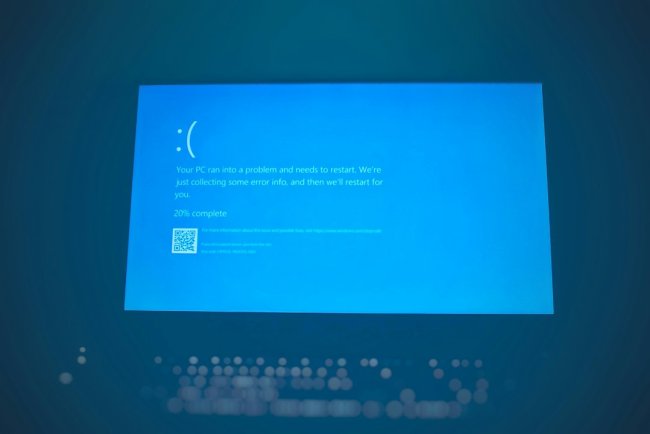
File Explorer Keeps Crashing — 8 Ways to Fix (Windows 11)
File Explorer baar-baar crash/restart ho raha? 8 ways to fix — quick access clear, folder options, thumbnail cache, shell extensions.
File Explorer Keeps Crashing — 8 Ways to Fix (Windows 11)
Folder kholte hi Explorer crash — window band, taskbar blink, repeat? Ye corrupt Quick Access, thumbnail cache, ya shell extension issue hai — 8 fixes.
Table of Contents
- Fix 1 — Quick Access Clear
- Fix 2 — Open to This PC
- Fix 3 — Thumbnail Cache Clear
- Fix 4 — Folder Options Reset
- Fix 5 — Shell Extensions Off
- Fix 6 — SFC Scan
- Fix 7 — Specific Folder Culprit
- Fix 8 — New Account
- FAQ
- Conclusion
Fix 1 — Quick Access Clear
Quick Access ka corrupt pinned item crash karta hai:
- File Explorer → 3-dot → Options
- Clear button — File Explorer history clear
- Pinned items remove karo — re-pin later
Fix 2 — Open to This PC
Quick Access view crash cause hai:
- Folder Options → General
- "Open File Explorer to" → This PC (Quick Access ki jagah)
Fix 3 — Thumbnail Cache Clear
Corrupt thumbnails = crash on folder open:
cleanmgr
Select C: → Thumbnails ✓ → clean. Ya Storage settings → Temporary files → Thumbnails.
Fix 4 — Folder Options Reset
Folder Options → View tab → Reset Folders + Restore Defaults. Custom view settings corrupt ho sakti hain.
Fix 5 — Shell Extensions Off
Third-party context menu apps (WinRAR, cloud, antivirus):
- ShellExView (NirSoft free) → non-Microsoft extensions ek-ek disable → test
- Culprit extension = crash on right-click/folder open
Fix 6 — SFC Scan
sfc /scannow
DISM /Online /Cleanup-Image /RestoreHealth
System file corruption repair.
Fix 7 — Specific Folder Culprit
Ek specific folder pe crash? → us folder mein corrupt file/video hai — thumbnail generate nahi ho paata. Folder ko CMD se kholo, file move/delete karo:
cd "problem folder"
dir
del corruptedfile.xyz
Fix 8 — New Account
User profile corrupt? → new local account → Explorer stable? → profile migration.
FAQ
Sirf ek folder pe crash?
Corrupt file/thumbnail — Fix 7 + Fix 3.
Right-click pe crash?
Shell extension — Fix 5.
Search box pe crash?
Search indexing — rebuild index ya Windows Search service restart.
Network folder pe crash?
Mapped drive offline — disconnect/remove dead network locations.
Conclusion
Explorer crash = Quick Access (Fix 1) ya This PC default (Fix 2) — 70% yahi solve. Shell extensions advanced check — specific folder pe corrupt file common cause hai.
TAGS: file explorer keeps crashing, explorer crash windows 11, explorer.exe crash, folder open crash, file explorer not responding, quick access crash, windows explorer restart loop, techn trainer
What's Your Reaction?