PC Won't Shut Down? Windows Shutdown Stuck — 5 Quick Fixes
Windows PC won't shut down or takes forever? Fast Startup bug, stuck services, pending updates — 5 fixes to shut down properly.
Video Tutorial:
═══════════════════════════════════════════════════════════════
Shutdown click kiya aur PC bas ghoomta raha? Ya screen off hua par fans chalte rahe? Ye common Windows problem hai — fix easy hai.
Fix 1 — Disable Fast Startup (Top Fix)
Windows 10/11 ka "Fast Startup" shutdown complete nahi karne deta:
Control Panel → Power Options → Choose what power buttons do → Change settings currently unavailable → uncheck "Turn on fast startup" → Save.
Ye ek fix 60% shutdown problems solve karta hai.
Fix 2 — Force Via CMD
shutdown /s /f /t 0
/f = force close all apps. Stuck process ko bypass karta hai.
Fix 3 — Check What's Blocking
Ctrl + Shift + Esc → Task Manager — koi app "Not responding"? End task → try shutdown again.
Fix 4 — Pending Windows Update
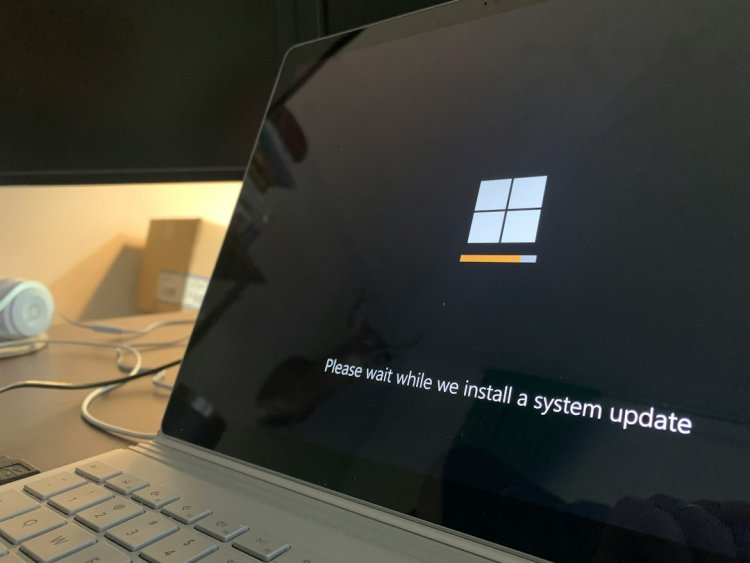
Update stuck ho toh shutdown hang karta hai. Settings → Windows Update check → let it finish ya troubleshooter run karo.
Fix 5 — Windows Update Service
services.msc → Windows Update → Stop → restart PC.
Emergency Only
Power button 10 sec hold = force off. Regularly mat karo — data corruption risk.
Hindi Tips
- Fast Startup disable karne ke baad PC thoda slow boot hoga — normal hai
- Shutdown hang daily ho toh check startup apps
- Update pending hai toh update karne do pehle
CTA: More quick PC fixes on TECHN TRAINER!
What's Your Reaction?