How to Make AI Cartoon Story Videos — Ramayan-Style Animated Videos Free
Create AI cartoon story videos like the viral Ramayan/Mahabharat animations — free tools, character consistency trick, scene prompts, voiceover steps.
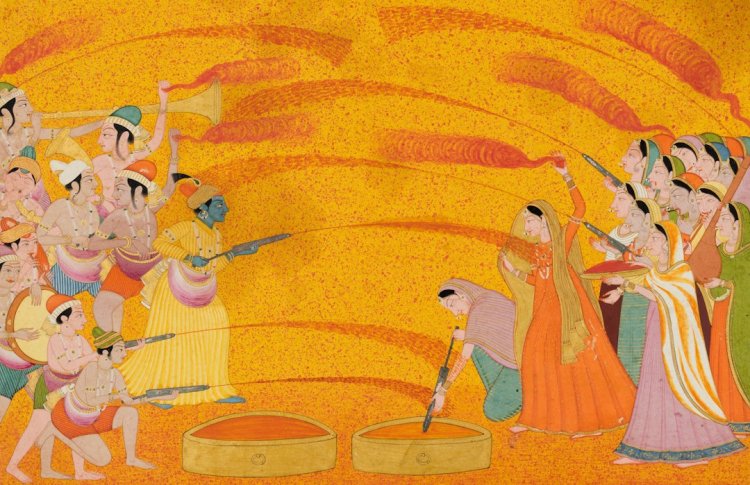
You've seen them — the viral AI cartoon videos retelling Ramayan stories, moral tales, kids' stories. Millions of views, made entirely with free tools. Here's the complete process.
The Tools (All Free)
| Job | Tool |
| Story/script | ChatGPT (free) |
| Scene images | Bing Image Creator / Leonardo |
| Image → Video | Kling AI (free credits) |
| Voiceover | ElevenLabs / free TTS |
| Edit + captions | CapCut |
Step 1 — Write Your Story
Prompt ChatGPT:
Write a 60-second Hindi devotional story video script about
Shri Ram's vanvas. Break it into 6 scenes. For each scene give:
(1) narration line (2) scene description for image generation
(3) any dialogue. Simple, emotional, devotional tone.
Step 2 — Lock Your Character Design (Critical!)
This is where everyone fails. AI makes a DIFFERENT character each time unless you use the exact same description. Create a "character card" and paste it in every prompt:
Young Indian prince Shri Ram, blue-tinted skin, gentle smile,
dark hair in a bun, wearing golden-yellow dhoti and crown,
holding a bow, divine glow, animated style
Step 3 — Generate Scene Images
For each scene, combine: [character card] + [scene action] + [setting] + [style]
Young Indian prince Shri Ram, blue-tinted skin, gentle smile,
dark hair bun, golden dhoti, holding bow, divine glow —
walking through a dense green forest with Sita beside him,
sunlight through trees, animated 3D pixar style, warm tones
Generate one image per scene. Keep the character description identical — only change the action/setting.
Step 4 — Animate the Images (Kling)
- Go to Kling AI → Image to Video
- Upload your scene image
- Prompt:
Shri Ram walks forward through the forest, trees sway gently, cinematic slow camera, smooth animation - Generate — free daily credits give you several clips
- Repeat for each scene
Using image-to-video (not text-to-video) keeps your character looking the same — this is the key trick.
Step 5 — Voiceover
- Paste your narration script into ElevenLabs free tier
- Pick a warm Hindi/Indian voice (Adam, Antoni style)
- Or record yourself — authentic devotional narration works great
- Download MP3
Step 6 — Edit in CapCut
- Import all clips + voiceover
- Arrange clips to match narration
- Auto Captions → Hindi subtitles
- Add gentle flute/bansuri background music (CapCut free library)
- Add subtle zoom/effects between scenes
- Export — done!
Pro Tips for Viral Reach
- ???? Devotional + emotional stories perform best (Ram, Krishna, Hanuman, moral stories)
- ???? First 3 seconds = hook ("Shri Ram ko vanvas kyu diya gaya?")
- ???? 60-90 seconds ideal for Shorts/Reels
- ???? Consistent character = professional look = subscribers trust you
Common Mistakes
- ❌ Using text-to-video for scenes → inconsistent characters
- ❌ Different character description each scene → looks amateur
- ❌ No subtitles → 80% watch muted
- ❌ Copyrighted music → use CapCut/YouTube free library
FAQ
Can I make money from AI devotional videos? Yes — YouTube monetizes them if original. Thousands of channels do this.
Is it okay to make religious content with AI? Many channels do respectfully. Keep it devotional, accurate to scriptures, respectful tone.
How long does one video take? First one ~2-3 hours. Once you have your character card + workflow, ~1 hour per video.
Free tools enough? For starting, yes. Kling free daily credits let you make 1 video/day free.
Bottom Line
The formula: character card + image-to-video + CapCut edit. Master the character consistency trick and your AI stories will look professional from day one.
What's Your Reaction?