AI Video Editing Tools — Edit Videos Like a Pro Without Skills (2026)
Best free AI video editors — CapCut AI features, auto-edit, captions, background removal. Edit faster with zero editing experience.
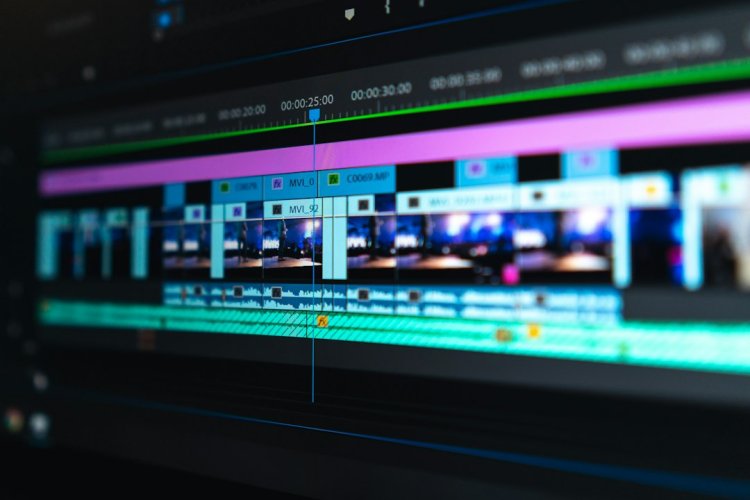
AI video editing removes the hard parts — auto-cuts, captions, background removal, even editing by deleting text. Here's how beginners edit like pros now.
Best Free AI Video Editors
| Tool | AI Features | Best For |
| CapCut | Auto-captions, cut, effects | Everything — the standard |
| Clipchamp | Auto-compose, captions | Windows users, clean |
| Descript | Edit video by editing text | Talking videos/podcasts |
| VEED | Auto-subtitles, cleanup | Quick online edits |
| DaVinci Resolve | AI tools (advanced) | Serious free editing |
CapCut — The Free Powerhouse
Its AI does the tedious work:
- Auto-captions — subtitles in Hindi/English instantly
- Auto-cut — removes silence/dead air automatically
- Background remover — remove video background, no green screen
- Smart crop — landscape → vertical keeps subject centered
- AI effects/transitions — trending styles in one tap
- Script-to-video — type script → generates a video draft
The Beginner Editing Workflow
- Import clips into CapCut
- Auto-cut — removes mistakes/silences
- Auto-captions — one click subtitles
- Trim — cut the boring parts (keep it tight)
- Music — free CapCut library, lower volume under voice
- Effects — transitions, zooms where natural
- Export — 1080p, right aspect ratio for platform
Descript — Edit Video Like a Document
Game-changer for talking videos:
- Upload video → it transcribes
- Delete words in the transcript → it edits the video
- Remove "ums" and filler words in one click
- Rearrange sections by moving text
Editing a 20-min talking video → minutes instead of hours.
AI Features That Save Hours
- ⚡ Auto-captions (was: hours of typing)
- ⚡ Silence removal (was: manual cutting)
- ⚡ Background removal (was: needed green screen)
- ⚡ Smart reframe (was: manual repositioning per platform)
- ⚡ AI b-roll suggestions
Free Alternatives to Check
- Clipchamp — built into Windows 11, clean interface, AI compose
- DaVinci Resolve — professional-grade, free, steeper learning
- VN Editor — good mobile free option
Tips That Actually Matter
- ???? Cut ruthlessly — boring parts kill retention
- ???? Captions always on
- ???? Pacing > effects — fast cuts keep attention
- ???? Music should support, not drown the voice
- ???? End strong — don't let it fizzle
FAQ
Is CapCut completely free? Core features free including auto-captions. Some premium effects/assets are paid — free is plenty.
Can AI edit a video fully automatically? Getting close — CapCut's script-to-video makes rough drafts. Human touch still needed for good pacing.
Best for beginners? CapCut — free, easy, AI does the hard parts, tons of tutorials.
Bottom Line
CapCut for everything, Descript if you edit talking/podcast videos a lot. AI handles the tedious parts — you focus on keeping it tight and watchable.
What's Your Reaction?