Boot Device Missing After Windows Update? 6 Fixes (2026)
Update ke baad "boot device not found" — drive gayab? 6 fixes — BIOS check, SATA mode switch, startup repair — safe way se.
Boot Device Missing After Windows Update? 6 Fixes (2026)
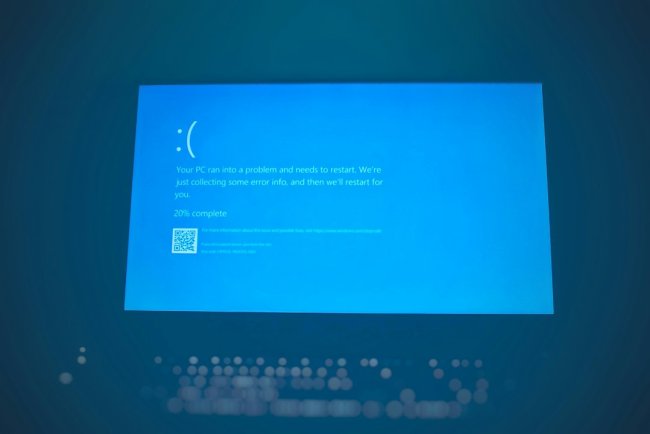
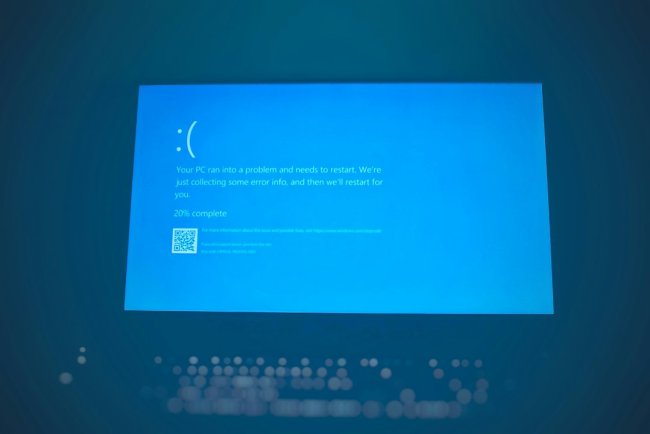
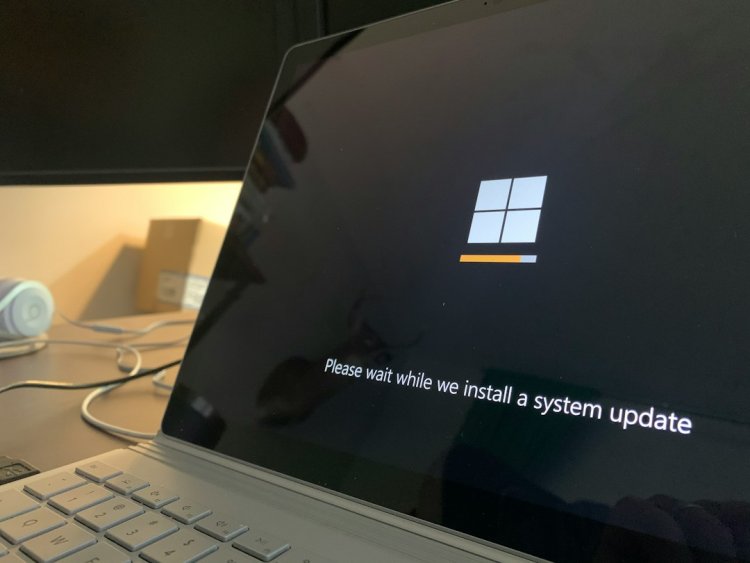
Update restart kiya — aur "boot device not found" screen aa gayi? Update ne SATA mode ya boot order flip kar diya — panic mat karo, drive wahin hai. 6 fixes order se.
Table of Contents
- Update Ne Kya Bigada
- Fix 1 — BIOS Drive Check
- Fix 2 — SATA Mode Match Karo
- Fix 3 — Boot Order Restore
- Fix 4 — Fast Boot Off
- Fix 5 — WinRE Startup Repair + bootrec
- Fix 6 — Update Uninstall
- FAQ — 10 Questions
- Conclusion
Update Ne Kya Bigada
Windows update kabhi-kabhi SATA mode (AHCI↔RAID), boot order, ya UEFI settings change kar deta hai — drive physically fine hai, sirf boot path break hua.
Fix 1 — BIOS Drive Check
Boot pe F2/Del → drive listed? Dikhta hai = settings issue (Fix 2-4). Nahi dikhta = coincidence hardware fail (cable check).
Fix 2 — SATA Mode Match Karo
Sabse common culprit:
- BIOS → SATA Configuration
- AHCI ↔ RAID/Intel RST — update ne flip kiya? Wapas switch
- Save & exit → 60% yahi fix
Fix 3 — Boot Order Restore
BIOS → Boot → Windows Boot Manager #1 pe lao. Update ne USB/network pehle daal diya hoga.
Fix 4 — Fast Boot Off
BIOS → Fast Boot = Disabled → save & exit. Fast boot kabhi devices skip karta hai.
Fix 5 — WinRE Startup Repair + bootrec
3 force restarts → Automatic Repair → Troubleshoot → Startup Repair. Nahi chala → Command Prompt:
bootrec /fixboot
bootrec /rebuildbcd
Fix 6 — Update Uninstall
WinRE → Troubleshoot → Uninstall Updates → latest quality/feature update remove → reboot.
FAQ
Q1. Update ne exactly kya kiya?
SATA mode ya boot order flip — BIOS check pehla step.
Q2. Drive dikhta hai par boot nahi?
Boot files corrupt — rebuildbcd.
Q3. Safe mode bhi nahi khul raha?
WinRE force — 3 crash boots.
Q4. SATA mode wapas flip karun safe?
Haan — jo mode Windows install time pe tha wahi chahiye.
Q5. Update uninstall option nahi dikhta?
CMD se: wusa /uninstall /kb:XXXXXXX.
Q6. Har update pe ye hota hai?
BIOS firmware update karo — compatibility fix.
Q7. BitLocker recovery maang raha?
SATA mode change se trigger hota — recovery key daalo ya mode wapas.
Q8. NVMe hai — SATA setting matter?
NVMe pe AHCI/RAID setting apply nahi hoti — boot order ya RST driver check.
Q9. Secure Boot on/off farak?
Kuch updates Secure Boot expect karte hain — enabled rakho.
Q10. Sab fail — ab kya?
Recovery USB → Startup Repair → nahi toh Reset PC (keep files).
Conclusion
Update ke baad boot device missing = SATA mode flip (60%) ya boot order. BIOS mein mode wapas match karo — drive wahin hai, sirf path toota tha.
TAGS: boot device missing after update, no boot device after windows update, ahci raid mode switch, boot order changed, bitlocker recovery after update, techn trainer
What's Your Reaction?