AI Avatar Video Maker — Create Talking Presenter Videos Free (2026)
Make AI presenter videos without showing your face — HeyGen, Synthesia, free avatar tools. Perfect for tutorials, courses, faceless channels.
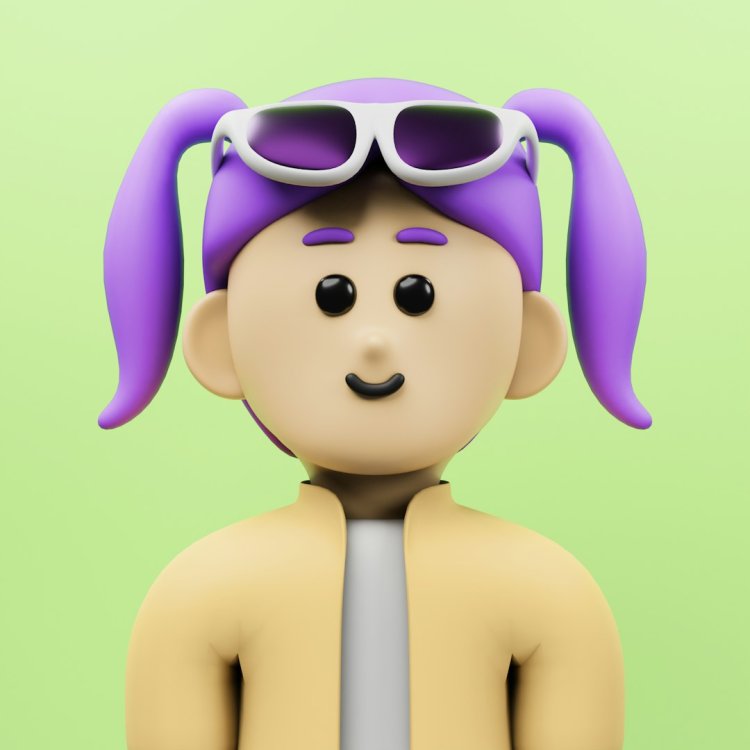
Don't want to show your face on camera but need a "person" presenting? AI avatars read your script as a realistic talking presenter. Here's how it works.
AI Avatar Tools
| Tool | Free | Best For |
| HeyGen | 1-3 free videos | Most realistic avatars |
| Synthesia | Limited free | Professional/corporate |
| D-ID | Trial | Simple talking photos |
| Vidnoz | Free daily | Free avatar videos |
| CapCut avatar | Free | Quick basic avatars |
Step 1 — Pick a Free Tool
- HeyGen free — most realistic, limited videos
- Vidnoz — free daily quota, good enough
- D-ID — upload a photo, make it talk
Step 2 — Write Your Script
Hi! In this video I'll show you how to remove background
from photos in one click. It's easier than you think —
let's start.
Conversational tone — these avatars deliver, you write.
Step 3 — Choose Your Avatar
Options:
- Stock avatar — pick a professional-looking presenter
- Your photo — some tools animate a photo of you
- Custom avatar — record yourself once, AI makes an avatar (paid feature)
Step 4 — Generate
- Paste script
- Pick voice (or it syncs to avatar)
- Pick avatar
- Generate — takes a few minutes
- Download
Use Cases
- ???? Course/tutorial videos — instructor without filming yourself
- ???? Business presentations — spokesperson videos
- ???? Faceless YouTube — talking head without being on camera
- ???? Marketing videos — product explainers
- ????️ Multilingual — same video in Hindi, English, etc.
The Honest Limitations
- Free tiers = short videos (30s-1min usually)
- Avatars look real but viewers can sometimes tell
- Lip sync is good but not perfect on fast speech
- For long content, it's expensive per minute
Ethical Notes
- ✅ Use avatars to present YOUR content — totally fine
- ✅ Many YouTube/business channels do this legitimately
- ❌ Don't create avatars of real people without consent
- ❌ Don't use for impersonation or scams — illegal and banned
Free Alternative — Just Your Voice
If avatars feel weird: voiceover + screen recording/slides works great and feels more authentic. Many successful channels never show a face or use an avatar.
FAQ
Can viewers tell it's AI? Sometimes — the best avatars are very close to real. For quick content most don't notice/care.
Free enough to try? HeyGen gives a few free videos — enough to test if it works for you.
Better than filming myself? Different — real you builds more connection; avatar is faster and consistent. Many use both.
Bottom Line
HeyGen free for realistic avatars, Vidnoz for more free quota. Write a good script, pick a professional avatar — you can publish presenter videos without ever being on camera.
What's Your Reaction?